My listings
See all your listings for all projects here
Written By Rico van der Stelt
1. View my listings
Go to your organization,
click on "My Listings
"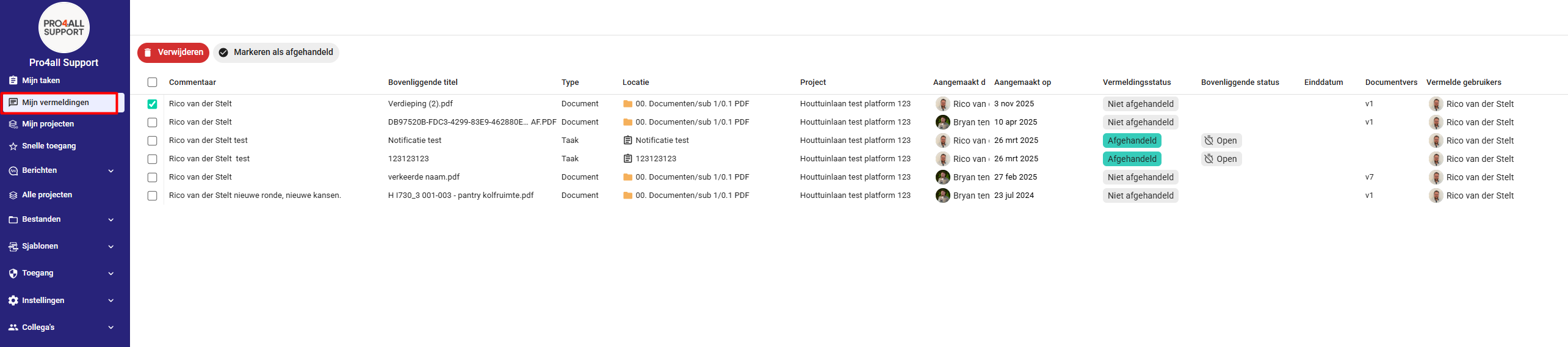
For each listing, you’ll see:
A preview of the comment.
What the comment is associated with (task or document).
Who posted it and when.
Whether you’ve already marked the entry as completed.
Click on the location to go directly to the relevant task or document.
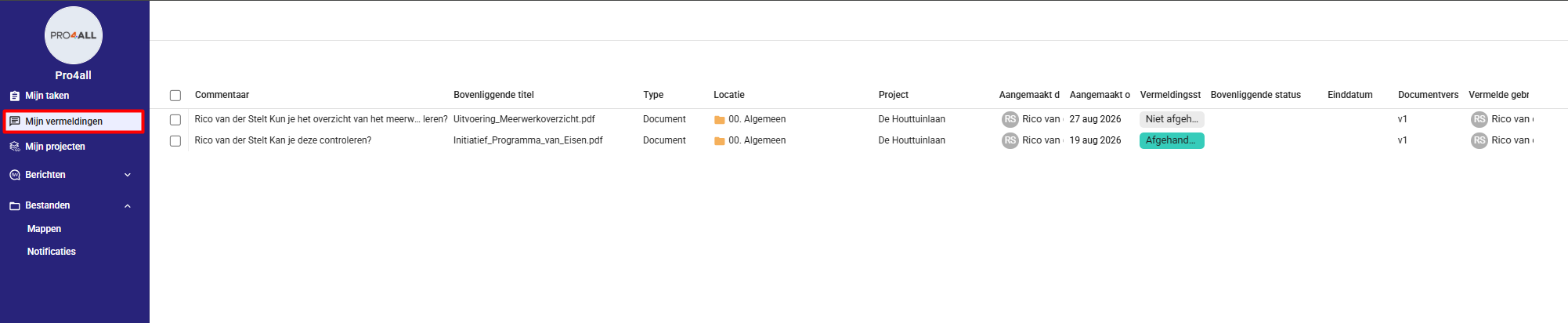
2. Manage Mentions
Select one or more mentions to perform the following actions at once:
Mark as resolved
Mark as not completed
Delete
💡 Tip: Use the bulk action to quickly handle multiple listings at once.
⚠️ Note: This status is only visible in your "My Listings" overview.
Was this helpful?
Still need help? Ask the team