Create a Task
Written By Rico van der Stelt
1. Create a Document Task
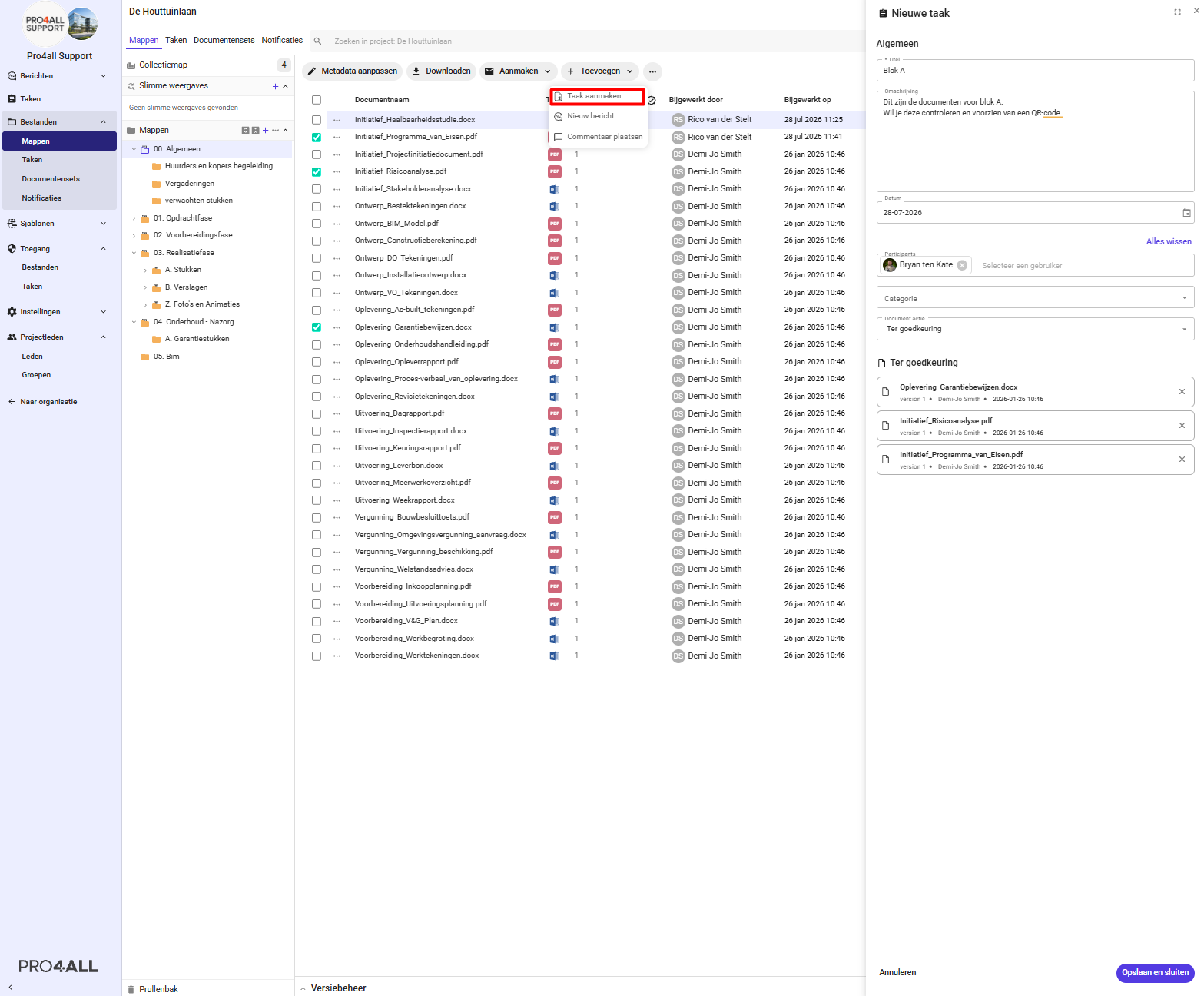
Navigate to the project where you want to create the task. Then go to your documents.
Select one or more documents.
Click Create.
Select Create Task.
Fill in the details:
Title
Description
End Date
Participants
Category
Required Action
Click Save.
The recipient will immediately receive a notification via email, and the task will appear in their task overview.