Create posts
Messages let you quickly send updates to people within Prostream. You can send messages to both Prostream users and people without a Prostream account.
Written By Rico van der Stelt
1. New message from the message box
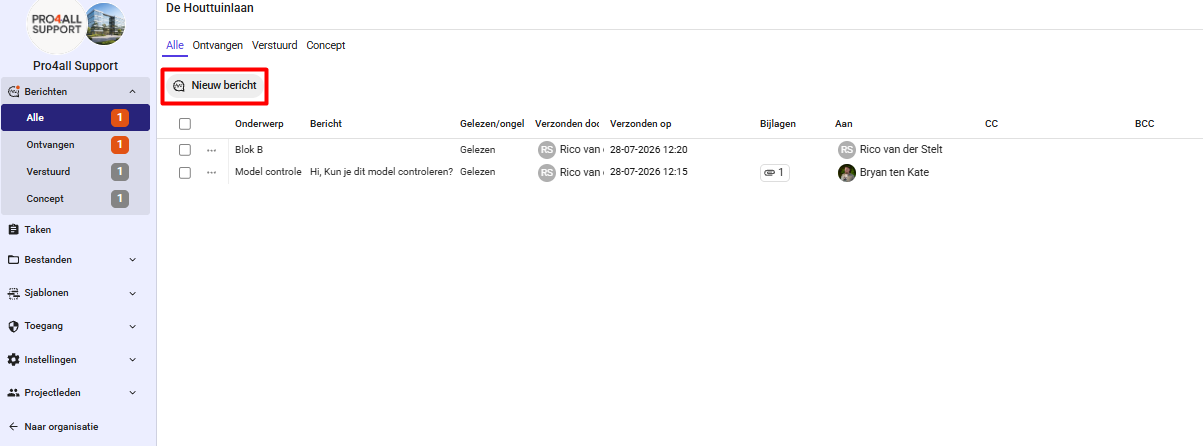
In your organization or project, go to Messages.
Click New Message.
Add recipients by name or email address.
If necessary, add people to the CC or BCC fields.
Compose your message and format it using the available buttons.
Click Send.
💡 Tip: Recipients will receive both a notification in Prostream and an email.
2. Message from the DMS
Want to send files as attachments right away? Then send a message from the DMS.
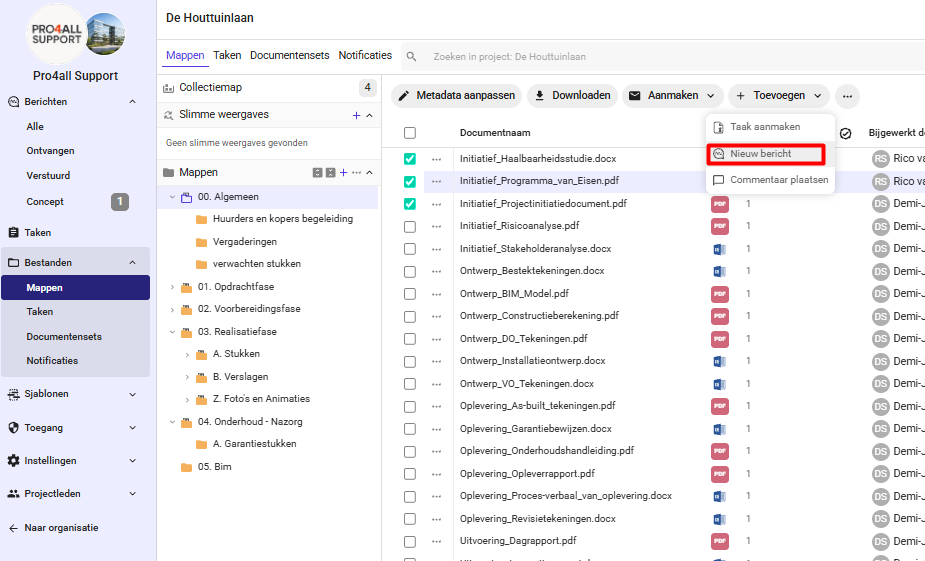
Select the files you want to attach.
Click Create
then click “New Message”
Add the recipients by name or email address.
Compose your message and click “Send.”
💡 Tip: You can also attach the entire contents of the collection folder at once.